
So, you have accidentally deleted photos on your camera’s SD Card and don’t know how to bring them back? Fear not, we got you covered! Deleting photos on your camera’s SD card happens more often than you would think and recovering them is quite easy.
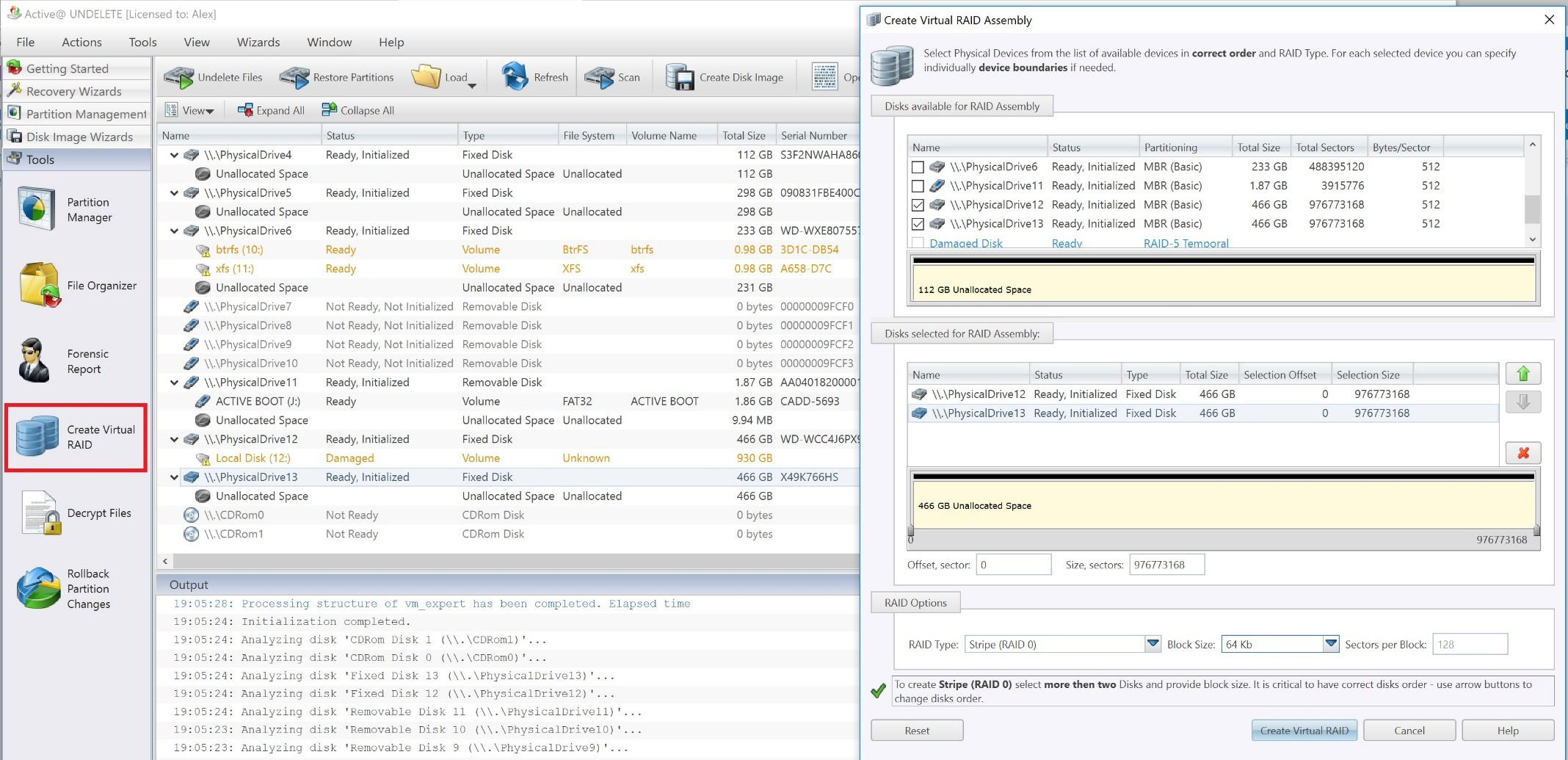
If you own a RAID 0 setup that has been corrupted or plan to own one in the future, this article will show you which tools and measures to use in case of calamity.
RAID 0 is a set of two or more drives that split the information evenly and without fault tolerance. RAID 0 is widely used as a means to increase system performance and loading time.
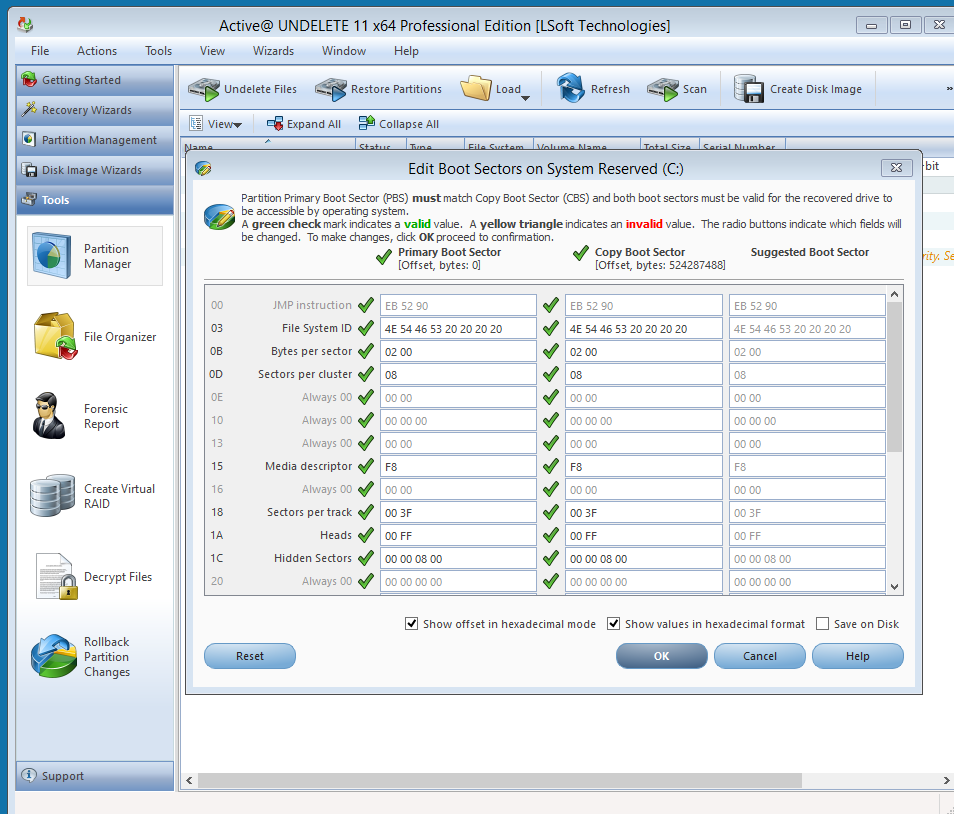
If you have ever been greeted with this message at system start-up you should know that you are not alone. Matter of fact, chances of such an event hitting you at least once every two or three years are relatively high. The problem is the corrupt Master Boot Sector and the reasons for his failure are many; Windows wasn’t properly shut down, viruses have infected it, the Windows itself has gone bonkers or the combination of all three. Whatever the reason may be, the situation is dire since without the proper tools reinstalling your OS is unavoidable and that means wasting time and losing potentially valuable data. In this article, we will be explaining how to fix such issues. But first, let’s establish what Master Boot Record actually is.

Active@ UNDELETE is a lifesaver! I feel obligated to write a review thanks to the relief it has given me.
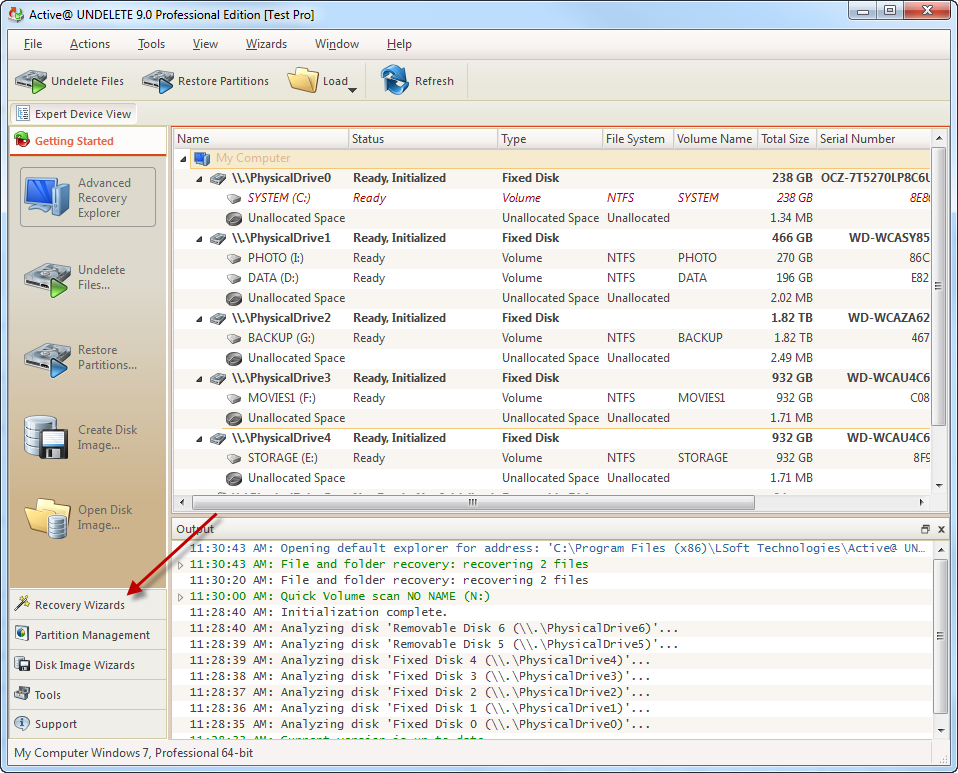
New version of Active@ UNDELETE is sophisticated software with complex algorithms, many useful tools, and support of variety of recovery scenarios. Moreover, it was developed for both professionals and inexperienced users in mind and offers a well thought set of wizards aimed at non-professionals.
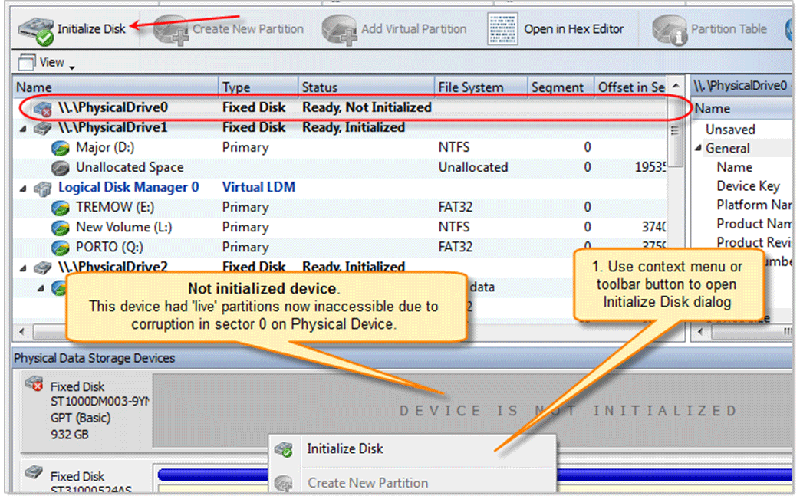
For any one of a variety of reasons, a disk's logical structure can become damaged so that it can no longer be recognized. Today, I'll show you how valuable data can be recovered in just 5 easy steps by using Active@ UNDELETE.
At first, you will notice that the corrupted disk in the list of devices within Windows Disk Management or in Active@ UNDELETE appears as Not Initialized.

I think I have a virus in my machine. Several documents just vanished. Does any one know of a way to get the files back and clean the machine?
Often, when a virus or other malware program disrupts the file system causing important files to disappear it leaves traces of what it did. A recovery program capable of scanning the drive and file system for old information can usually restore these files. Two such programs are and Active@ UNDELETE and Active@ File Recovery.
Hello! I recently had problems with deleting files that I didn't mean to get rid of and came across a neat software utility called Active@ UNDELETE.
Basically, this software is designed for a wide variety of data recovery uses, including simply recovering deleted files from the Recycling Bin (even after you empty it), but also for recovering deleted partitions and other things. It helped me out a lot, so I'm going to tell you guys a bit about it.

