Active@ UNDELETE Ver 5.0
See documentation for latest version
In major cases, you can recovery encrypted NTFS files in a way as other files on any NTFS partitioned drive. In some scenarios, you can recover files only on FAT partitions. In this case encrypted files still remains unreadable and saves in temporary files in recovery destination folder (with ".efs" extension). To complete recovery procedure, you have to relocate this file to any NTFS partition using "Restore Encrypted File" dialog.
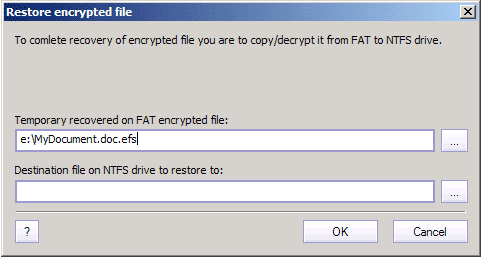
You have to specify temporary stored encrypted file and destination file name where encrypted file will be restored.
Destination path must point on NTFS drive for successful restore.

