Active@ UNDELETE Ver 7.0
See documentation for latest version
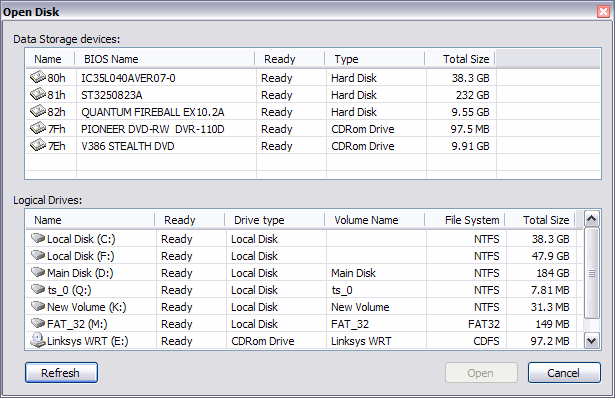
You can open a physical disk, a logical drive and partitions or a file from any of the application views (for example, Recovery Explorer view or Documents view).
As with any advanced tool, use “advanced caution” with Hex Editor. Changes that you make may affect disk structure integrity. You must be certain that the changes you make are in line with correct data structures before you save changes.

