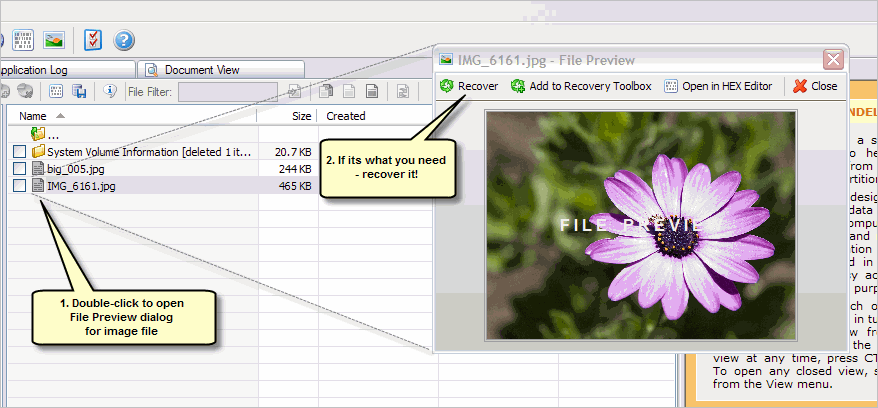
Active@ UNDELETE can let you preview image files before actual recovery to ensure that file is exactly you are looking for and its content is readable.
Double click on file of use file's context menu File Preview command to open File Preview dialog. Use Recover command from dialog's toolbar to recover the file.
If previewed file is not an image file, File Preview dialog will show its content in hexadecimal mode.
When you switching back to Recovery Explorer or to any other view in Main Window, File Preview dialog hides automatically. To make it on top of a screen, use dialog context menu Follow Up option or the same option in Preference settings; As long as File Preview dialog in Follow Up mode it will attempt to preview any following selected file in Recover Explorer, Document View or another.

