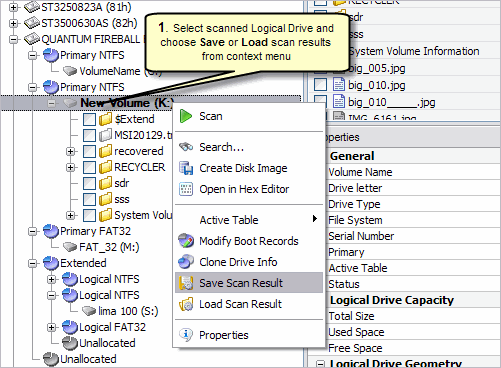
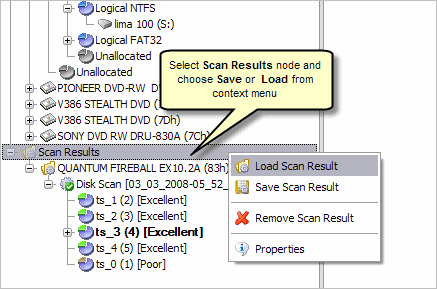
So that you do not have to scan a partition again, you can save and re-use valuable scan results. You can save entire Scan Results branch or make separate save for each Disk Scan or all scan set for particular device.
Scan results are saved with the file extension SCANINFO.
Save a scan results file to a physical drive that is different from the drive that contains the original files.
There is several ways to Save and Load scan results. See the screen shots: