Active@ UNDELETE Ver 5.0
See documentation for latest version
Any accessible Logical Drive shown in Active@ UNDELETE Explorer can be scanned for deleted Files of Folders. To perform scan you can do the following:
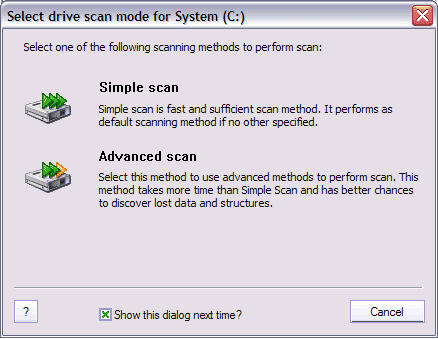
Click on Simple Scan or Advanced Scan button to start scanning or Cancel to abort. Uncheck check mark Show this dialog next time? to skip this dialog next time.
When scan process start, you will be able to see progress bar in Status Bar, that indicate the scanning progress and new Log entries, describes the scanning process events. During the scanning, Stop button becomes available and can be used to terminate the scan process.
After scan of Logical Drives completes, you can browse the content of scanned drive by using Active@ UNDELETE Explorer.
If desired files or folders not found, try another drive scan method or use Scan Physical Disks recover logical structure of your devices.
See Used Symbols and Icons for more information.

